AR Aging Report Template for Contractors
An AR aging report is not a bookkeeping exercise. For contractors, it is a weekly action list. Here is the template, the trigger for each bucket, and the one number that tells you whether your receivables are healthy or hemorrhaging.
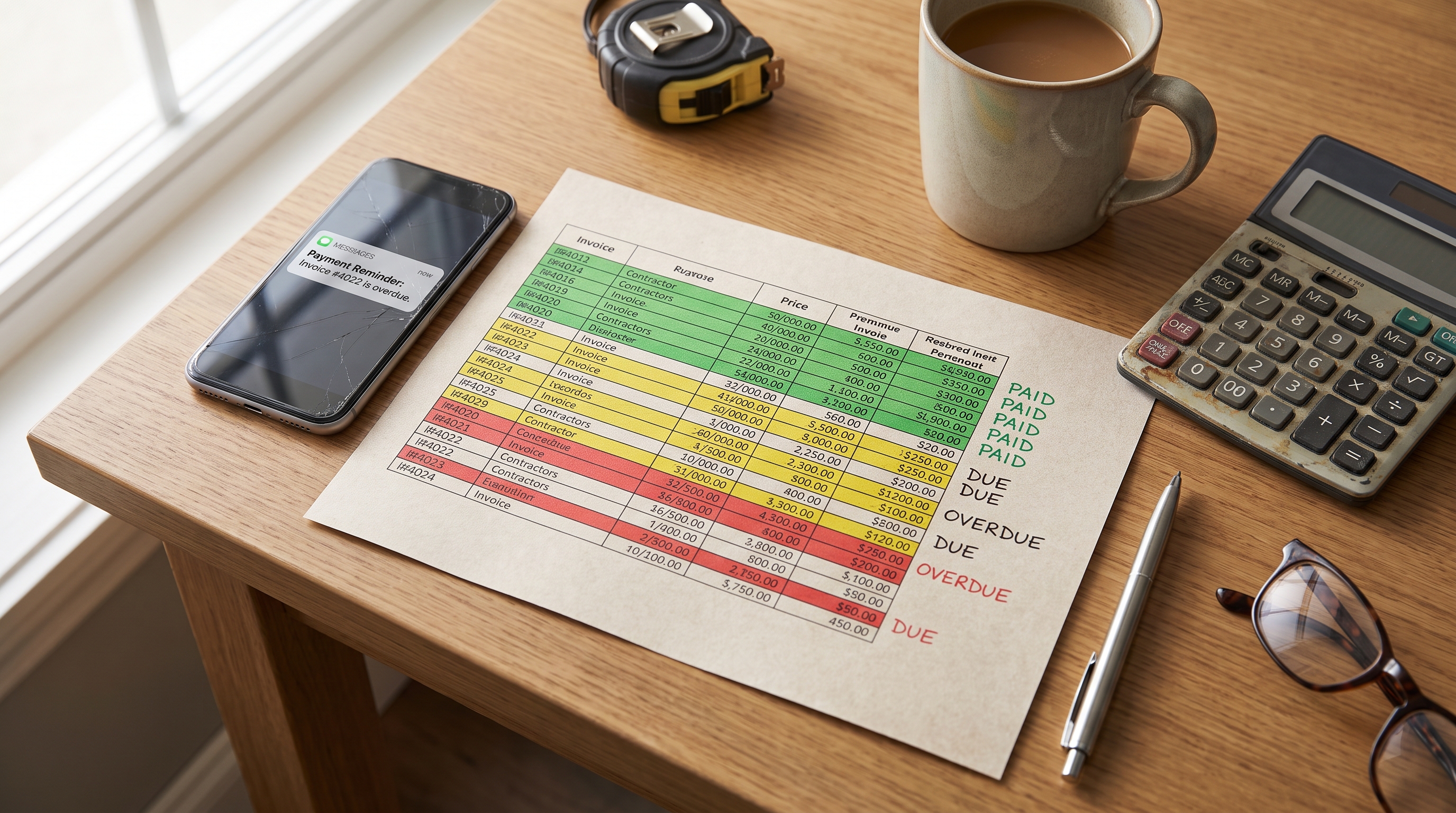
A $47,000 invoice sitting unpaid at 90 days is not a bookkeeping problem. It is a project-funding gap that no credit line was sized to cover.
That is the difference between AR aging for contractors and AR aging for everyone else. Generic finance guides treat the aging report as a reporting tool. For contractors, it is a weekly action list. A single unpaid construction invoice can be $47,000 or more, and when invoices at that scale start aging, the downstream damage compounds fast: materials cannot be ordered for the next job, payroll gets tight, and subcontractors stop picking up the phone.
Below is a contractor-specific aging report template, the actions each bucket should trigger, and the one number that tells you whether your receivables are healthy or hemorrhaging.
The short answer
An AR aging report sorts unpaid invoices into 0–30, 31–60, 61–90, 91–120, and 120+ day buckets. Work the 31–60 day bucket hardest — 90% of invoices are still collectible there. Track DSO monthly and keep 80–90% of your receivables in the current or under-30-days category. If more than 10–20% sits in the 60+ day buckets, your follow-up process has a gap.
What an AR aging report is (and why contractors need it more than most)
An AR aging report groups all unpaid invoices by how long they have been outstanding, broken into 30, 60, 90, and 120+ day buckets. At a glance, you see which customers owe money and how overdue each balance is.
Every business benefits from this visibility. Contractors depend on it.
68% of companies receive more than half of their payments after the due date, which often leads to cash flow problems. Now apply that to construction, where invoice sizes dwarf most other industries. A late $200 phone bill is an annoyance. A late $47,000 progress billing invoice means you cannot fund the next phase of work. The aging report is the tool that keeps those large balances from slipping past the point of no return.
If you are working with progress billing or a contractor payment schedule, the aging report is where you monitor whether those scheduled payments are actually landing on time.
What goes in a contractor AR aging report template
An accounts receivable aging report categorizes balances into 30-day intervals so you can assess each client in greater detail than a single outstanding-balance number would allow.
Your template needs these columns:
| Column | What it captures |
|---|---|
| Customer name | The client or GC who owes you |
| Invoice number | For cross-referencing with your accounting system |
| Invoice date | When you sent it |
| Due date | When payment was expected |
| Invoice amount | Original billed amount |
| Current (0–30 days) | Amount still within terms |
| 31–60 days | First overdue bucket |
| 61–90 days | Second overdue bucket |
| 91–120 days | Escalation territory |
| 120+ days | Write-off consideration |
| Total outstanding | Sum across all buckets for that client |
| Notes | Context: dispute details, lien deadlines, promise-to-pay dates |
The notes column matters more than it looks. A $12,000 balance at 45 days with a note reading "dispute over punch list items, meeting scheduled 7/28" is a fundamentally different situation than a $12,000 balance at 45 days with no note at all. Additional comments provide context for specific cases that raw numbers cannot.
How to read each aging bucket and what to do about it
The longer an invoice is outstanding, the higher the chance it will go unpaid. Each bucket demands a different response.
Current (0–30 days). The invoice is within terms. No action required beyond confirming the client received it. If you use net 30 payment terms, this is your baseline window.
31–60 days. This is your highest-leverage collection window. About 90% of invoices are still collectible at this stage if you take action. The key word is "if." Contractors who shrug off a 45-day-old invoice and assume it will eventually arrive are the same ones scrambling to make payroll two months later. Send a reminder. Pick up the phone. Reference your late payment policy if you have one in the contract.
This is also where automated follow-ups earn their keep. Nudge can send SMS and email reminders when invoices cross the 30-day line, so nothing in this bucket goes unnoticed while you are on a job site.
61–90 days. The probability of collecting drops significantly once an invoice passes 60 days. At this stage, friendly reminders are not enough. Escalate to a direct conversation with the decision-maker, not just the accounts payable contact. Review your contract for late payment fee provisions and enforce them.
91–120 days. Send a formal demand letter, pause any new work for that client, and consider involving a collections agency or attorney. Once an invoice crosses 90 days, collection agencies typically recover only a fraction of the original amount, so weigh the cost of legal action against the invoice size.
For subcontractors, this bucket carries an additional deadline. If a general contractor has not paid a subcontractor invoice at 90 days, it is time to review your lien rights and make sure you have not missed any filing deadlines. Lien right windows vary by state, and they do not pause because you were "working things out."
120+ days. Accounting standards suggest starting to consider a write-off or setting up an allowance for doubtful accounts. That does not mean you stop trying to collect. It means you stop counting that money as a reliable asset on your balance sheet.
How to prioritize collections from the report
Not every overdue invoice deserves the same effort. A $2,500 invoice at 45 days is less urgent than an $85,000 invoice at 35 days, even though the smaller one is technically more overdue. Within each bucket, sort by dollar amount and focus on the largest balances first.
Work the 31–60 day bucket hardest. That is where you have both urgency (the clock is ticking toward the 60-day collectibility cliff) and leverage (the relationship is still intact enough for a phone call to work).
Build a weekly review into your schedule. Many successful contractors check their aging report every Monday morning so collection efforts stay consistent and no invoice slips past 60 days without action.
Consistency matters more than intensity. Five follow-ups spread over five weeks will outperform one angry phone call at 90 days. If you want to know how to ask for payment professionally, that steady cadence is the core of it. And if a client shows up in the 60+ bucket on multiple projects, flag them. That pattern is data, not bad luck.
The one number that tells you how healthy your AR is
DSO, or Days Sales Outstanding, measures the average number of days it takes to collect payment after invoicing. A lower DSO means cash comes in faster, which reduces your need for credit lines and keeps projects funded without gaps.
Calculate it monthly:
DSO = (Total Accounts Receivable / Total Credit Sales) × Number of Days
Track this number over time. If it is climbing, your collections process has a leak somewhere. If it is stable or dropping, your Monday morning reviews are working.
As a benchmark, a good AR aging percentage means 80–90% of receivables are in the current or 1–30 days overdue categories. If you are seeing more than 10–20% of your receivables in the 60+ day buckets, the aging report is telling you something specific: either your follow-up process has gaps, or you are extending credit to clients who do not pay on time.
Using the aging report to identify bad-debt risk
The aging report is not just a collections tool. It is a client evaluation tool.
The report helps a company evaluate which clients are risky to do business with. A client with a high outstanding balance in the 90+ bucket is telling you something about how they will behave on the next job. Before you sign another contract with them, check the aging report. The answer is already there.
As invoices age, the likelihood of collecting diminishes, which makes the aging report crucial for forecasting bad debt. Use it to calculate your allowance for doubtful accounts: the percentage of each aging bucket you expect to go uncollected based on your historical collection rates.
This also informs whether to require a deposit on future work. If a client paid their last three invoices at 75+ days, a deposit invoice on the next project is not a trust issue. It is a cash flow decision backed by data.
When to graduate from a spreadsheet
The template above works. It will surface the invoices that need attention, and if you update it every Monday, it will keep your collections on track.
The limitation is the updating part. Spreadsheet-based AR tracking requires manual updates, and data quickly goes stale. If you are managing two or three active jobs, manual tracking is manageable. At five or more, a spreadsheet you update once a week is already outdated by Wednesday.
Automated tools generate real-time aging without manual entry. Your invoicing or accounting software may already have one built in. For the follow-up side, Nudge automates the reminder sequences that the 31–60 day bucket demands, sending SMS and email nudges on a schedule so invoices do not age past 60 days while you are running a crew on site.
The aging report tells you which invoices need attention. Automation makes sure they get it before the collection window closes. For a broader look at how automated reminders fit into your payment process, see invoice payment reminders for contractors.
READ MORE